News & Blog · May 23, 2026
Work Document, Business Phones, & Internet Bundles: Why Securing Your Home Office Prevents Data Leaks
In traditional offices, having a clean desk meant simple habits like shredding papers and locking files. This also means you don’t leave passwords on the table and always keep sensitive information locked up. As a result, these practices minimized the risk of exposing data. In this age where a typical working station has evolved. It now requires having your documents, business phone & internet bundles at home. As such, even your personal space now needs to be treated like an open work desk as well.
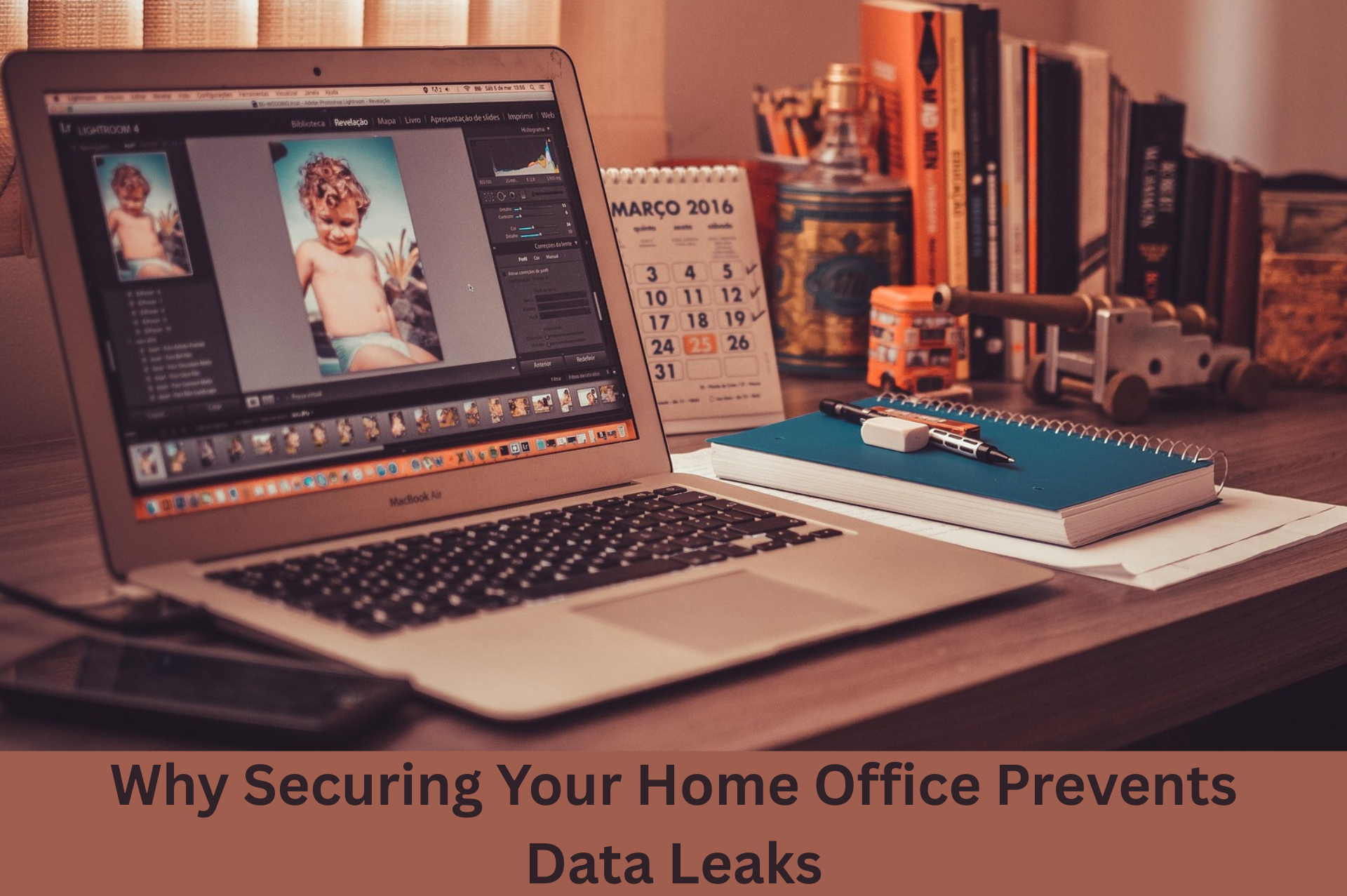
Home offices are now becoming a major working environment for several teams. This implies that even personal spaces are part of the business environment. Hence, they should be treated with the same level of care. This also means that physical access has now become directly related to digital risk. This translates to having an unlocked screen, a shared device, or an unattended laptop being a risk that can quickly expose critical systems. Hence, it is important to look into ways on how to keep your work files, business phone, & internet bundles secure yet accessible.
Why an Unlocked Screen Is a Real Risk
Multi-factor authentication is a powerful security measure used by many business owners today. This has proven to be an effective protection at the point of entry and will help prevent malicious logins. However, once access has been granted, protection is shifted to the management of active sessions. This is because once logged into a system, a session token is used to keep you in without re-prompts. The token is similar to a digital key that enables access to continue across applications. This also means that when a person gets physical access to your device, it becomes possible to reuse the session without using passwords or MFA.
That is why cybersecurity experts emphasize the importance of locking your screen. This is because short auto-lock timers and regular practice in locking up minimize exposure. As such, a device that is not locked must be treated just like leaving the keys in the door since even a few minutes of being unattended can result in severe access risk.
Hidden Risks from Outdated Hardware
Most users keep older devices because they are still operational. Nevertheless, a working hardware does not necessarily imply secure hardware. Therefore, this creates hidden risks for your work data, business phone & internet bundles in home office setups. This comes from devices that are past the end of support receive no updates or patches. In the absence of these updates, vulnerabilities are left open and unguarded. Because of this, security guidance should make it clear that the technology that is no longer supported should not be used anymore.
This is even greater when it comes to a network-facing device, such as a router or a VPN tool. It is because these systems control access to your network and are often overlooked. Hence, your internet service provider router and other devices should be involved in the regular review of devices and the removal of anything that is no longer supported.
AI Tools Adding Physical Risk
Working stations at home are not usually used for manual work. Today, having a business phone & internet bundles at home also means having access to automated workflows powered by AI systems. This is because these AI tools are able to update records, communication, and processes with minimal input. However, this poses a different form of risk when the sessions are not closed. As such, a workstation left unattended is an active control point for running processes. This is because it can be interfered with by anyone nearby who does not require technical knowledge or access credentials.
People other than you may inadvertently approve actions, change details, or redirect outputs. These changes, no matter how small, can disrupt workflows or expose sensitive data. Hence, it is imperative to have clear guidelines on what actions AI systems are allowed to perform without human authorization.
Reducing Waste Through Better Visibility
Having a “clean desk” these days means supporting operational discipline. This translates to utilizing resources properly for their intended purpose, which improves security as well as efficiency within systems. Another issue that is often found in the home office environment is Cloud waste. It comes in the form of unused servers, idle test systems, and increasing storage. Such resources keep operating silently and adding costs in the long run. To answer this, having consistent visibility and ownership is needed. A system must have a responsible staff member who will check on the usage of the system. This means that unessential workloads need to be scheduled to close to reduce cost and exposure.
Building a Strong and Clean Work Desk
Having a secured home office is not a matter of fear and overreaction. It is about maintaining professional standards in a modern work environment. Therefore, it should have regular routines and explicit regulations. Locked screens, updated devices, and defined access rules are only some of the things that need to be applied to create a strong foundation. It also means keeping smaller issues at bay in order to prevent bigger problems later on. When these habits are consistent, risks become easier to manage. Additionally, should there be incidents, systems remain in order and data, business phone & internet bundles are simpler to manage. This will provide flexibility, security, and complete control of the business processes in the long-term.
Does your team’s office need an IT and cybersecurity audit? We can do that for you!
In a gated or HOA-managed neighborhood, getting a new line into the ground usually means board approval and permits. Our Pembroke Pines internet page covers the household plans and the bulk, property-wide option for communities.
Call us today!